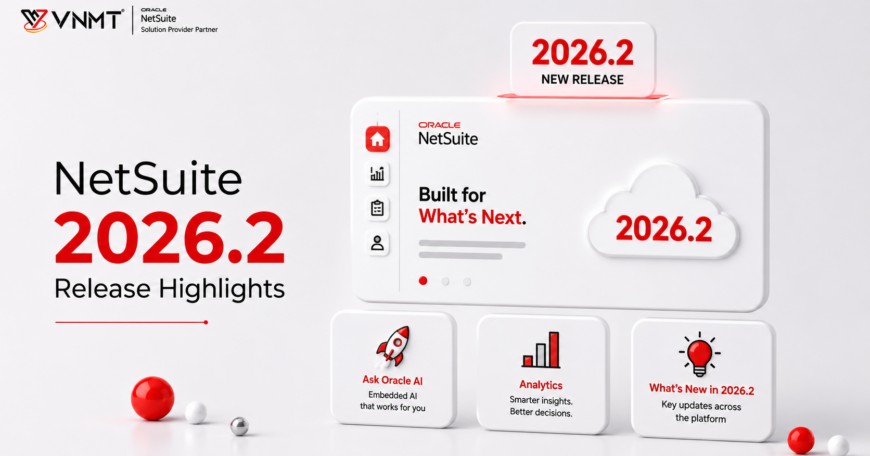

Oracle is once again improving its cloud ERP system with the NetSuite 2026.2 Release. This new release comes with various updates intended to increase productivity, reporting capabilities, and the overall experience. NetSuite 2026.2 places a lot of emphasis on embedded AI, which will allow users to access company data more easily, generate insights, and do many things without having to manually enter all the information required.
While many updates target specific modules, Oracle NetSuite 2026.2 brings features for many different departments, including finance, sales, operations, and executive management. If you’re planning your NetSuite 2026.2 upgrade, reviewing the Oracle NetSuite 2026.2 Release Notes can help you understand the latest features and prepare for a smooth transition.
Key Points
- Ask Oracle is one of the standout features introduced in the NetSuite 2026.2 Release, bringing conversational AI capabilities directly into the NetSuite platform.
- The AI canvas helps create reports that include charts, KPIs, tables, and summaries in one place.
- NetSuite Next provides a revamped interface and enhanced user experience.
- It is important for companies to consider the Release Notes of NetSuite 2026.2 and perform customization testing.
- Ask Oracle and NetSuite Next are currently available to customers in the US and Canada, with rollout to additional countries planned in future releases.
Key Updates & Enhancements of the NetSuite 2026.2 Release
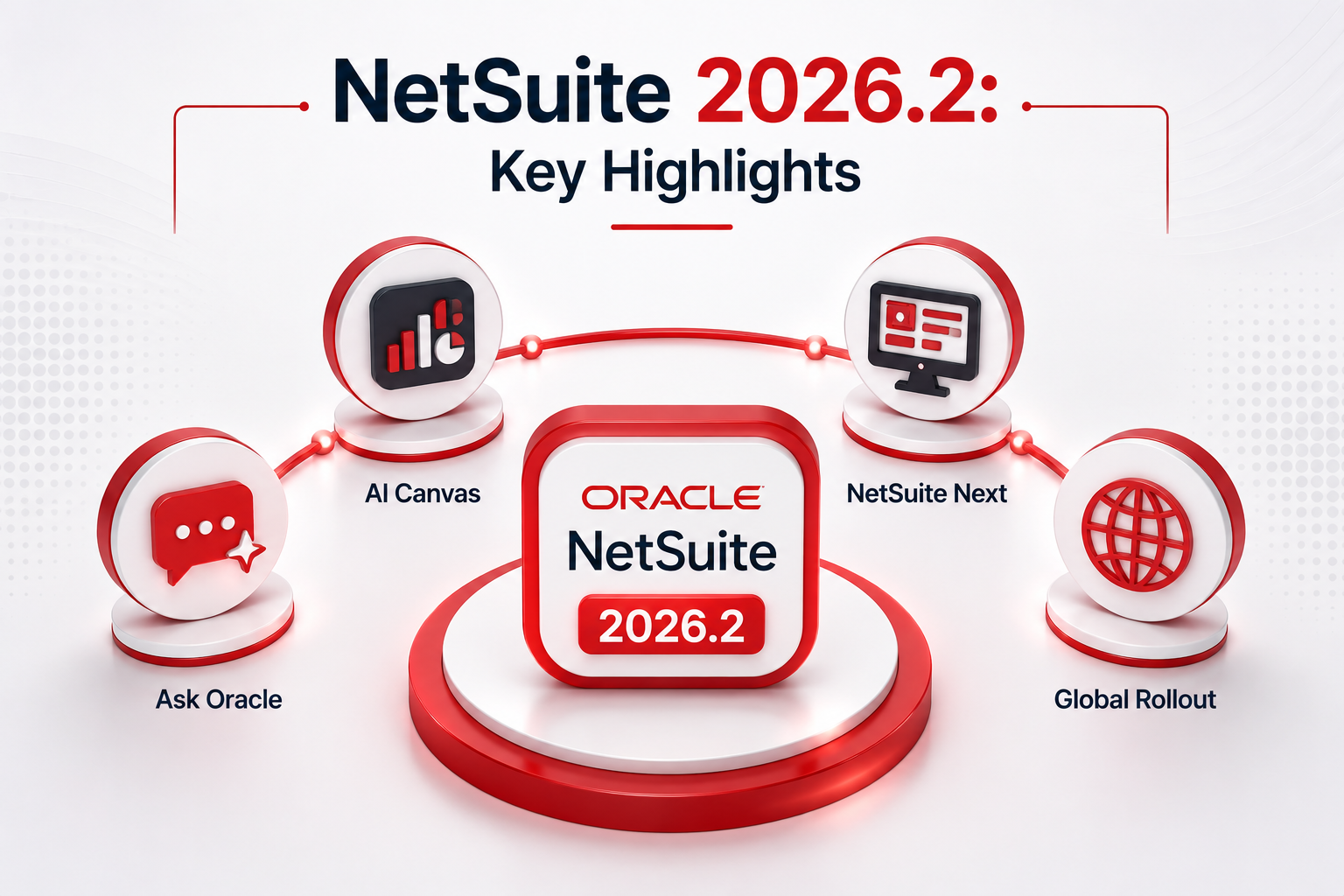
The NetSuite 2026.2 Release introduces several new capabilities that focus on simplifying everyday business operations, improving access to data, and helping users work more efficiently. Here are some of the standout features included in this release.
Ask Oracle AI-Assistant
One of the most interesting features in the NetSuite 2026.2 Release is Ask Oracle AI Assistant, a conversational AI assistant that is embedded right in the NetSuite system. Rather than having to navigate through different dashboards and create reports, users can simply ask their business-related questions and get appropriate answers within seconds.
For instance, the finance manager can find out about all the outstanding invoices, while the sales director can find out about revenues in a certain geographic region or for a particular time period. Business executives can also get important business metrics without having to rely on the help of IT teams that create reports for them.
In other words, thanks to the conversational format, users spend less time looking for the necessary data and can concentrate on making business decisions.
Ask Oracle is programmed to respect the permissions set up in your NetSuite account and will only give the user information that they are supposed to have access to. Ask Oracle also comes with an Explain option that will help the user understand how the answer was arrived at. It has feedback options that allow the user to improve the experience the next time around. However, industry experts advise checking the answers from the AI system before acting on them.
AI-Canvas
The other big improvement included in the NetSuite 2026.2 Release is AI-powered Canvas, which is basically an interactive workspace comprising KPI scorecards, charts, tables, visualizations, and even AI-generated summaries on one page. Users will not need to switch to multiple reports or dashboards anymore since all necessary business information will be in one place.
AI-Canvas is meant to make it easy for users to browse through the information by placing related metrics next to each other. If users want to look at their financials, track sales trends, analyze operations-related metrics, or any other data, they can customize the workspace to see the information they find most relevant for their job. AI-generated summaries will help them gain additional insights into what is going on in the company without doing any analysis themselves.
By consolidating different pieces of business information in one interactive workspace, Canvases can facilitate the analysis process.
NetSuite Next Experience
The NetSuite Latest Release is also the launch of the next version of Oracle called NetSuite Next, which is aimed at providing a better user experience.
Indeed, the new interface will allow faster access to information as well as making the work process more accessible and convenient. The transition to the new system will be performed in phases by Oracle in order to provide businesses with the ability to adjust to the new system without interrupting the routine processes. NetSuite Next is currently available to customers in the US and Canada, with availability in additional regions expected as Oracle continues its phased rollout.
Who Benefits from the NetSuite 2026.2 Release?
NetSuite 2026.2 Release provides functionalities and improvements for different teams within organizations.
- Financial users will have the ability to access financial insights through Ask Oracle and AI- Canvas, as well as get key metrics and simplify their report generation process.
- Sales users will be able to receive information about customers, sales performance, and business insights in order to make decisions on the basis of data.
- Operations users can track their business performance through interactive dashboards and visual reports.
- Executives will have the opportunity to get business insights assisted by AI and look through their performance results in one place to make strategic decisions.
- IT users and administrators can test customizations and integrations in the release preview environment prior to using the NetSuite 2026.2 Release.
NetSuite 2026.2 Update: Preparation Tips
Getting prepared for the NetSuite 2026.2 Update in advance of its deployment to your production environment might be a useful way to reduce any possible disruption caused by the release. The first step an organization needs to take here is to check out the Release Notes for the NetSuite 2026.2 update, identifying the new features that will affect your account.
Another useful tip is to test the SuiteScripts, customizations, workflows, saved searches, and third-party integrations on the Release Preview environment. Giving your users a head start by introducing them to new features such as Ask Oracle might be helpful.
Also Read About: NetSuite 2026.1 Update

Final Thoughts on NetSuite 2026.2
The Oracle NetSuite 2026.2 release contains many benefits that simplify working on the platform, making it better, more effective, and more user-friendly. Capabilities such as Ask Oracle, advanced reporting, and Next NetSuite experience enable users to find information quickly and be more productive.
In order to benefit fully from the release, businesses should consider examining the new features, testing customizations, and preparing users for implementation. Cooperation with qualified NetSuite Consulting Services will help you implement the Oracle NetSuite 2026.2 Release efficiently.